Epson Scan Software Windows 11 Online
Gophish is a powerful, open-source phishing framework that makes it easy to test your organization's exposure to phishing.
For free.
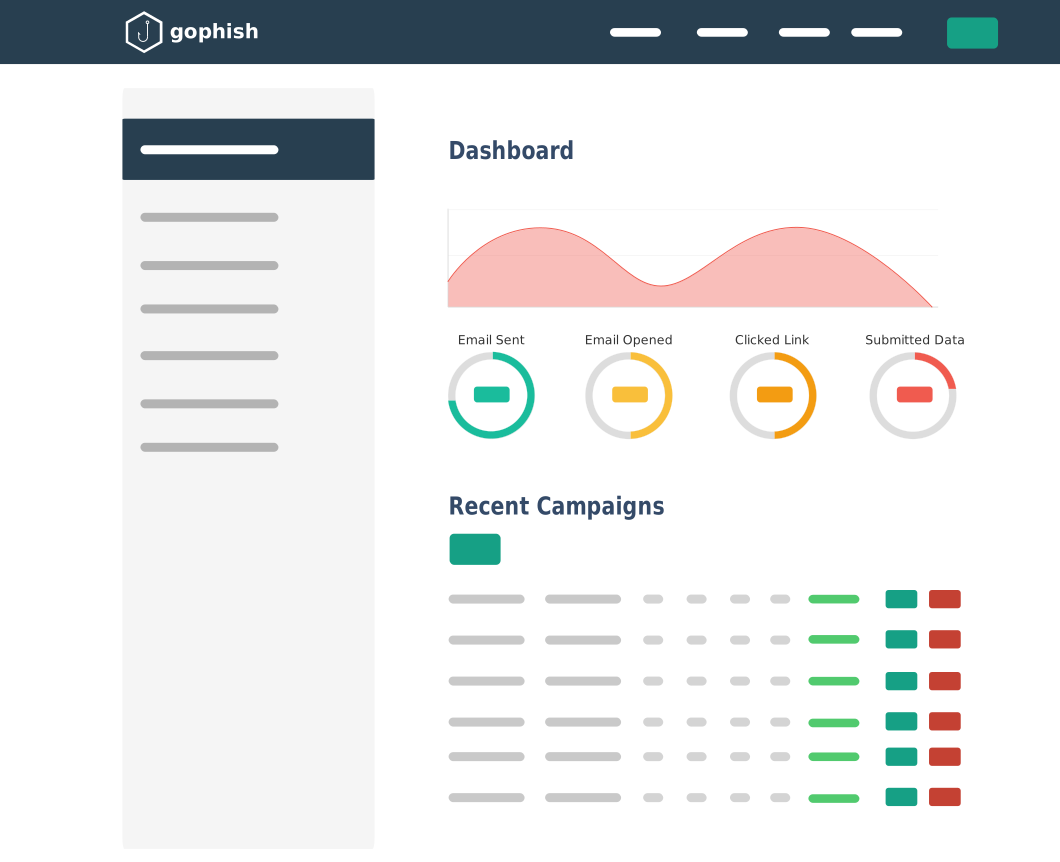
Gophish is a powerful, open-source phishing framework that makes it easy to test your organization's exposure to phishing.
For free.
Gophish makes it easy to create or import pixel-perfect phishing templates.
Our web UI includes a full HTML editor, making it easy to customize your templates right in your browser.
Launch the campaign and phishing emails are sent in the background. You can also schedule campaigns to launch whenever you'd like.
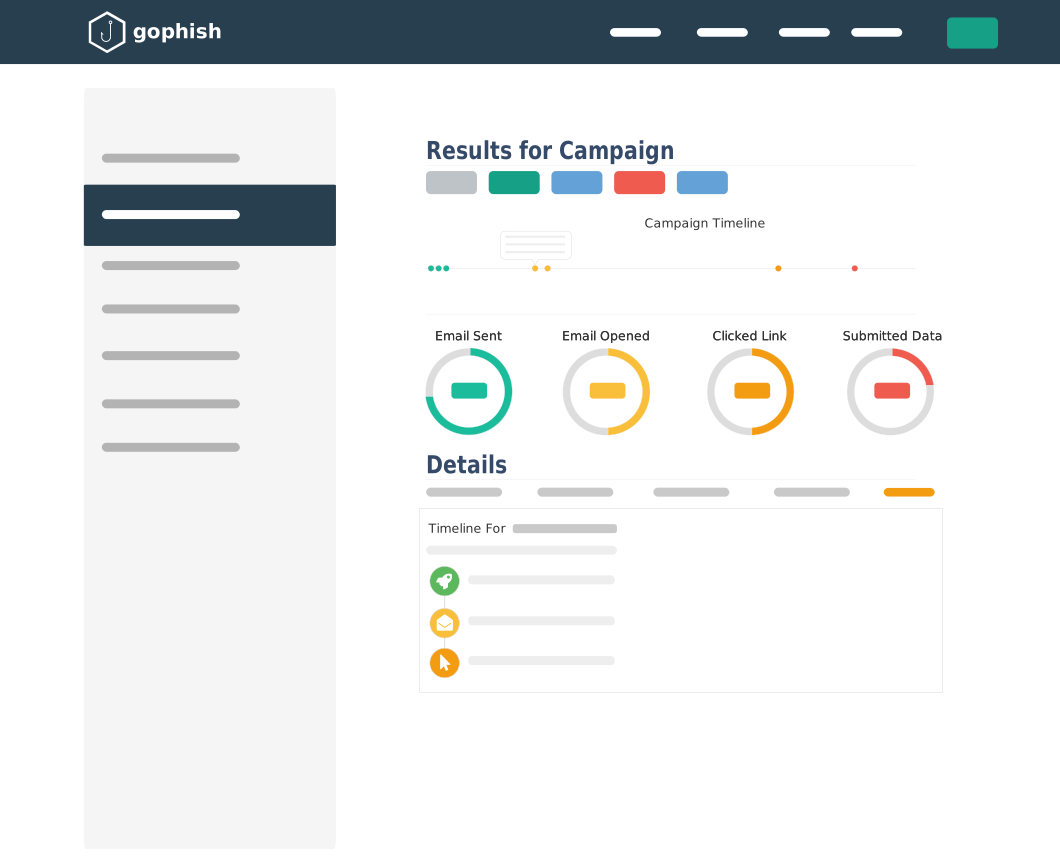
Detailed results are delivered in near real-time. Results can be exported for use in reports.
To ensure compatibility, always download software specifically for the Windows 11 64-bit architecture.
Go to the official Epson Support Page .
If your software fails to open or cannot find the scanner, try these proven fixes: Epson scanner no longer works after Windows 11 update epson scan software windows 11
A lightweight alternative available directly from the Microsoft Store that offers basic scanning and printing functions without needing to navigate the main Epson website. How to Download and Install on Windows 11
The modern standard for document scanning. It features a simplified interface and built-in Kofax OmniPage OCR, allowing you to save scans as editable Word, Excel, or searchable PDF files. How to Download and Install on Windows 11
Under the "Downloads" tab, ensure the operating system is set to Windows 11 . Download the Drivers/Utilities:
Enter your scanner or printer model number (e.g., Perfection V39 or ET-2800). Depending on your scanner model
Open the downloaded .exe file and follow the on-screen instructions to complete the installation. Troubleshooting Common Windows 11 Issues
For a complete setup, download the .
Depending on your scanner model, you will likely use one of these three official applications: